 VIEW FULL SIZE ↗
SPATIAL WALLPAPERFREE
MOTORRAD LAB / FREE DOWNLOADS
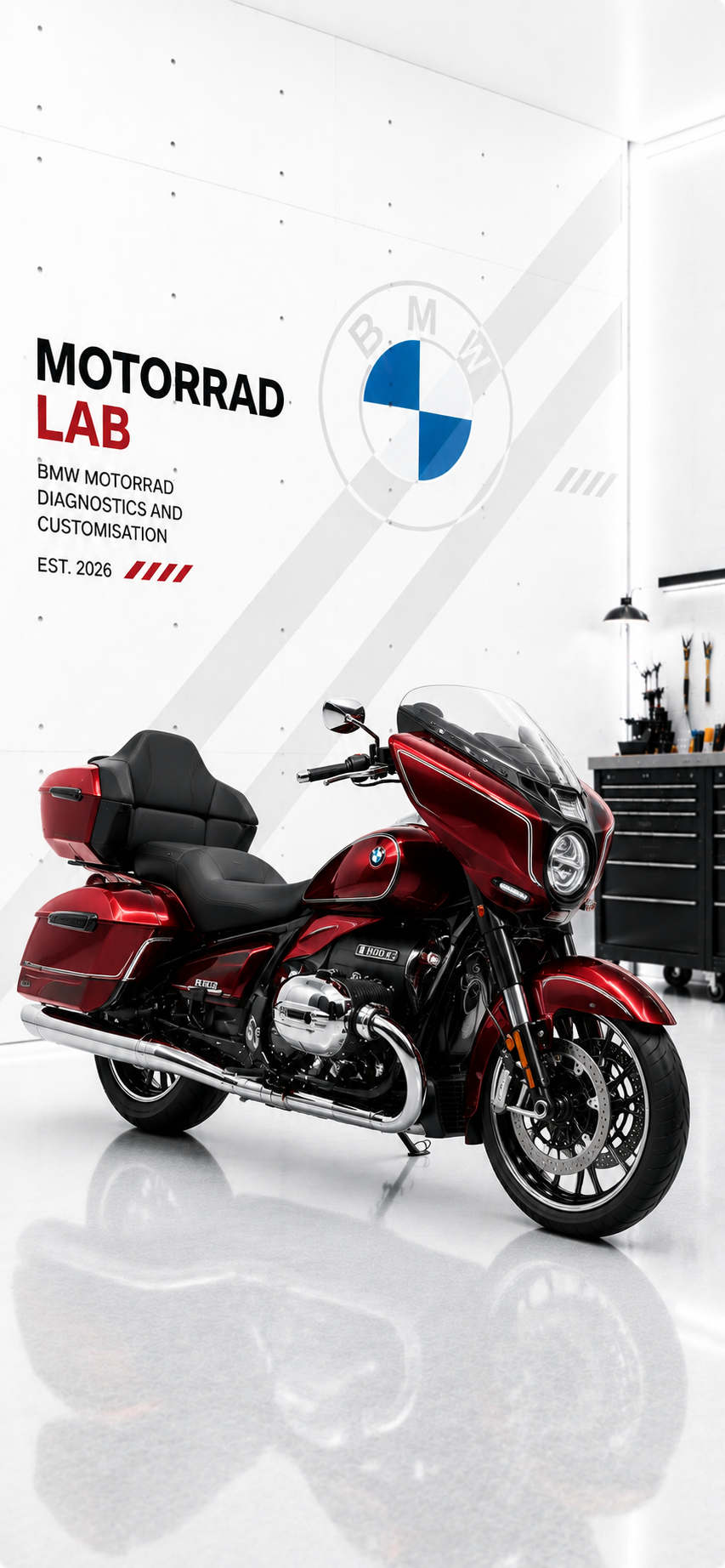
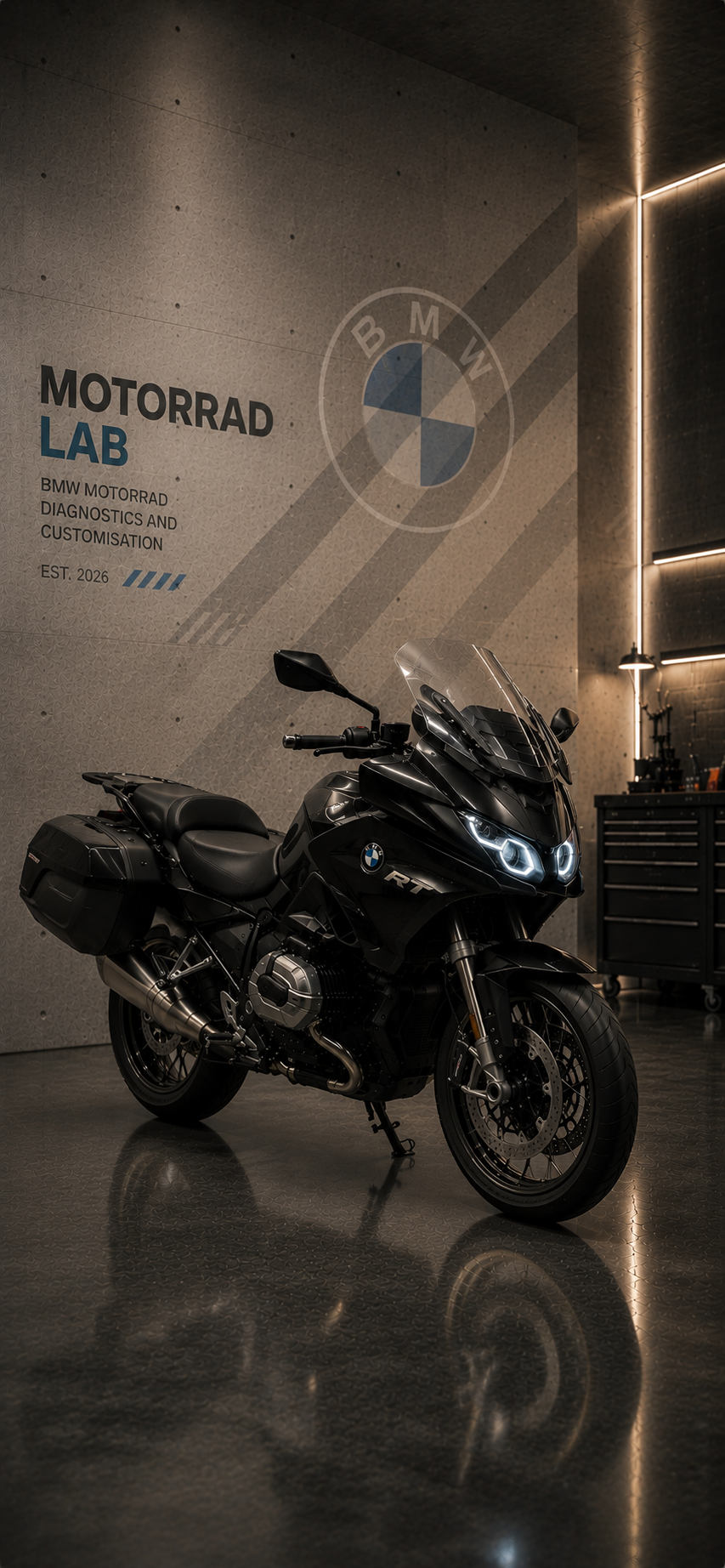
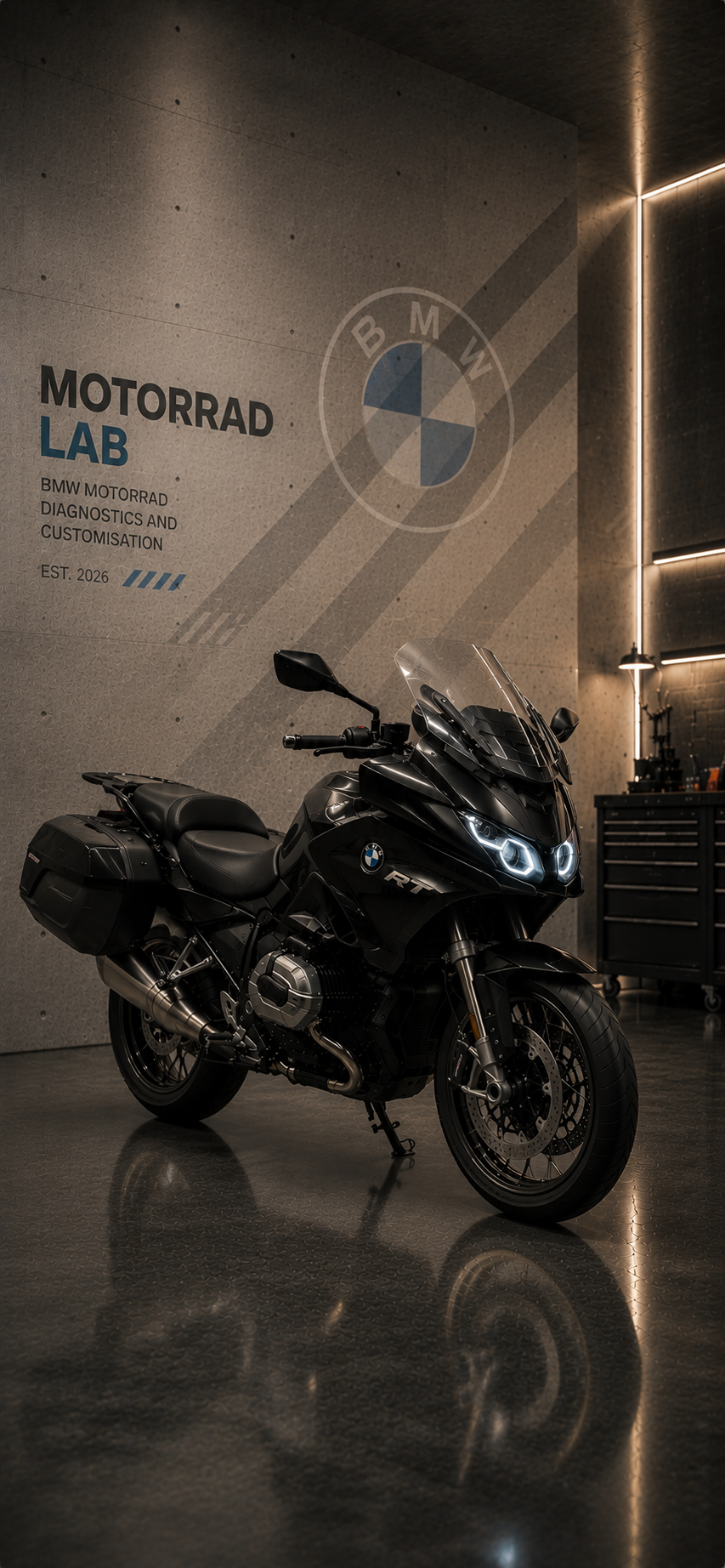
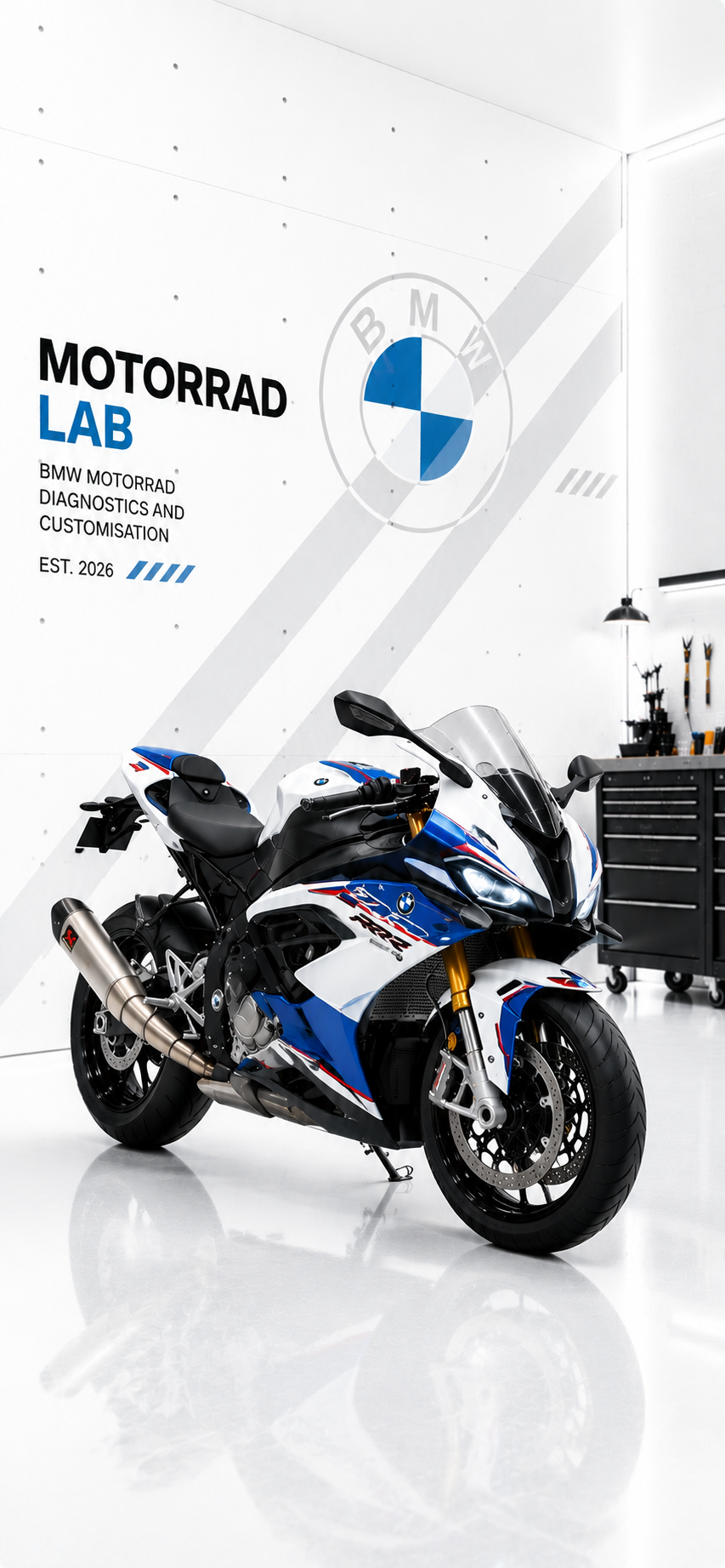
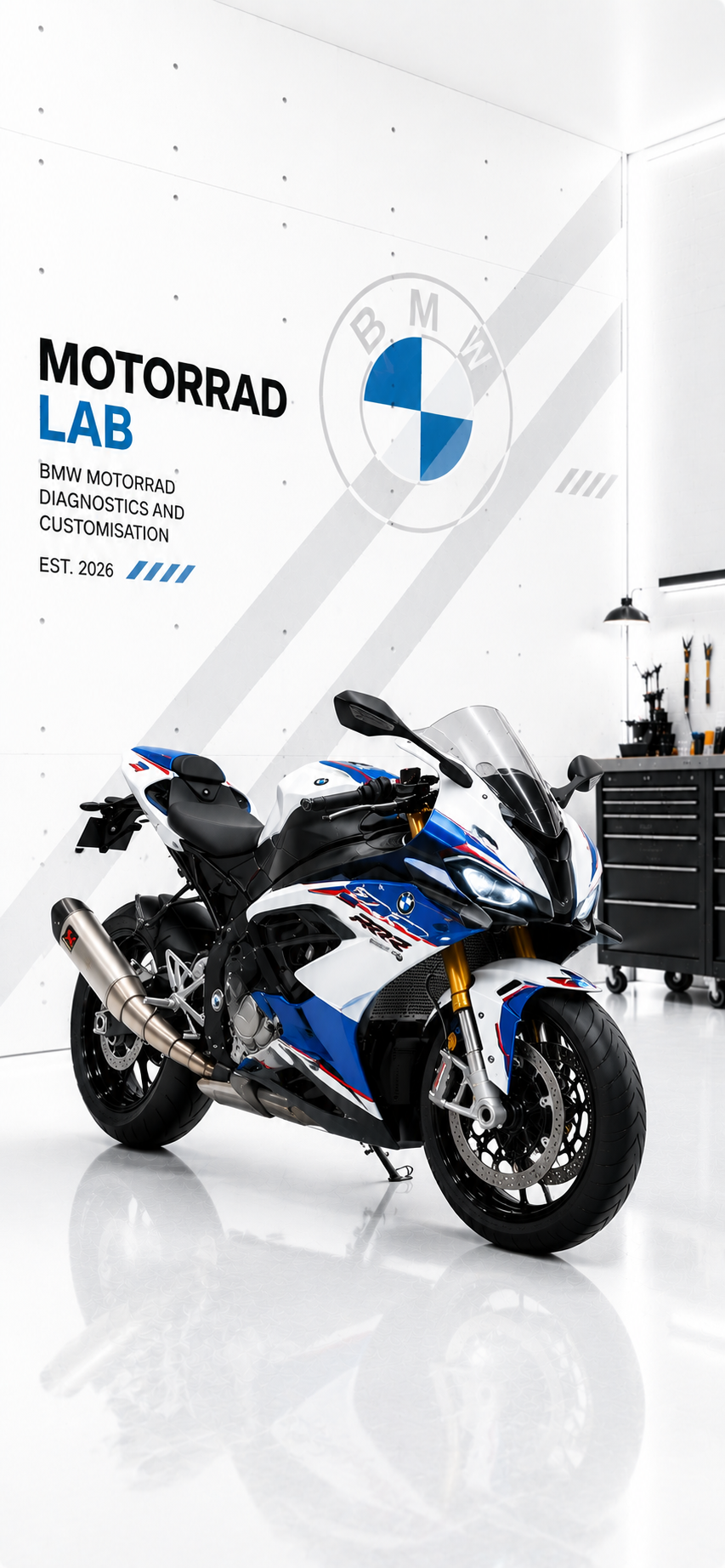
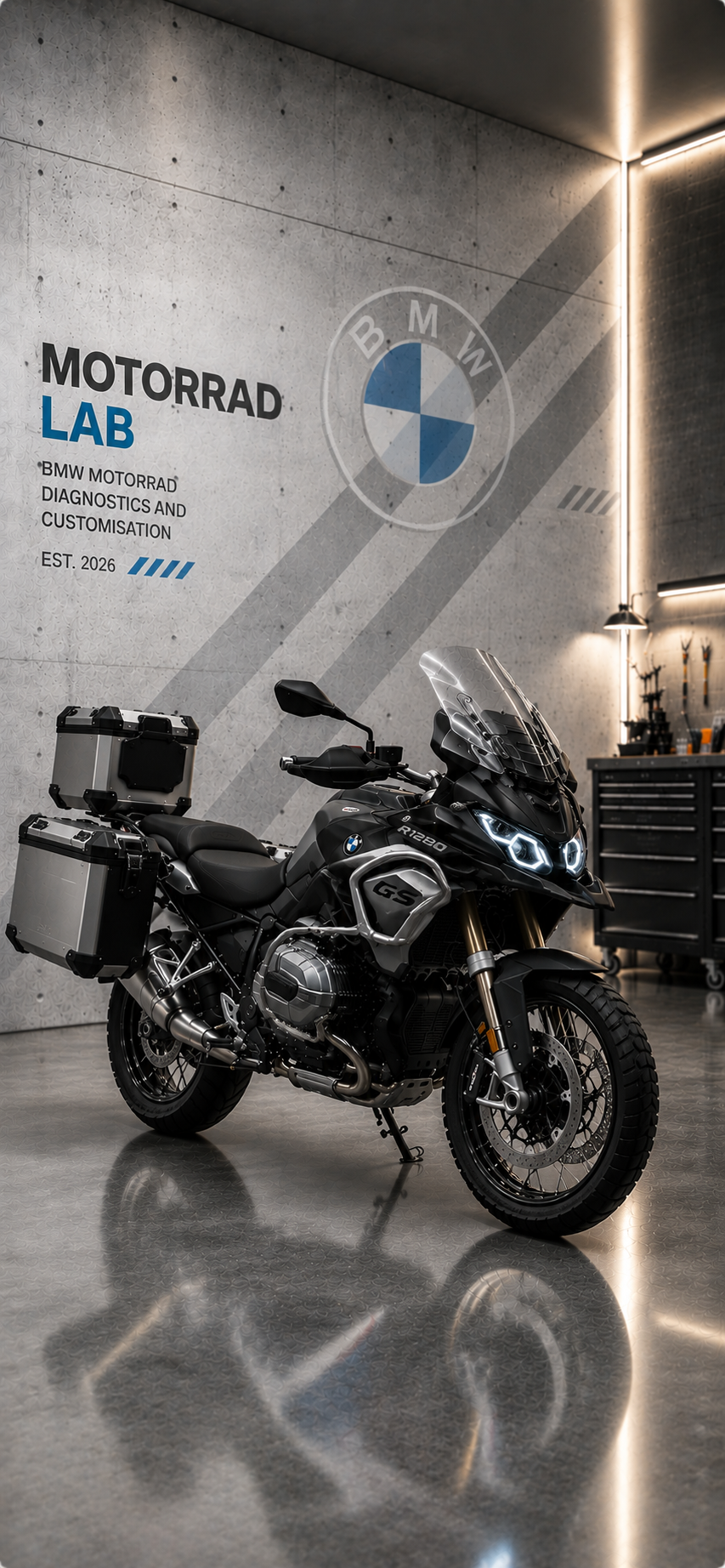
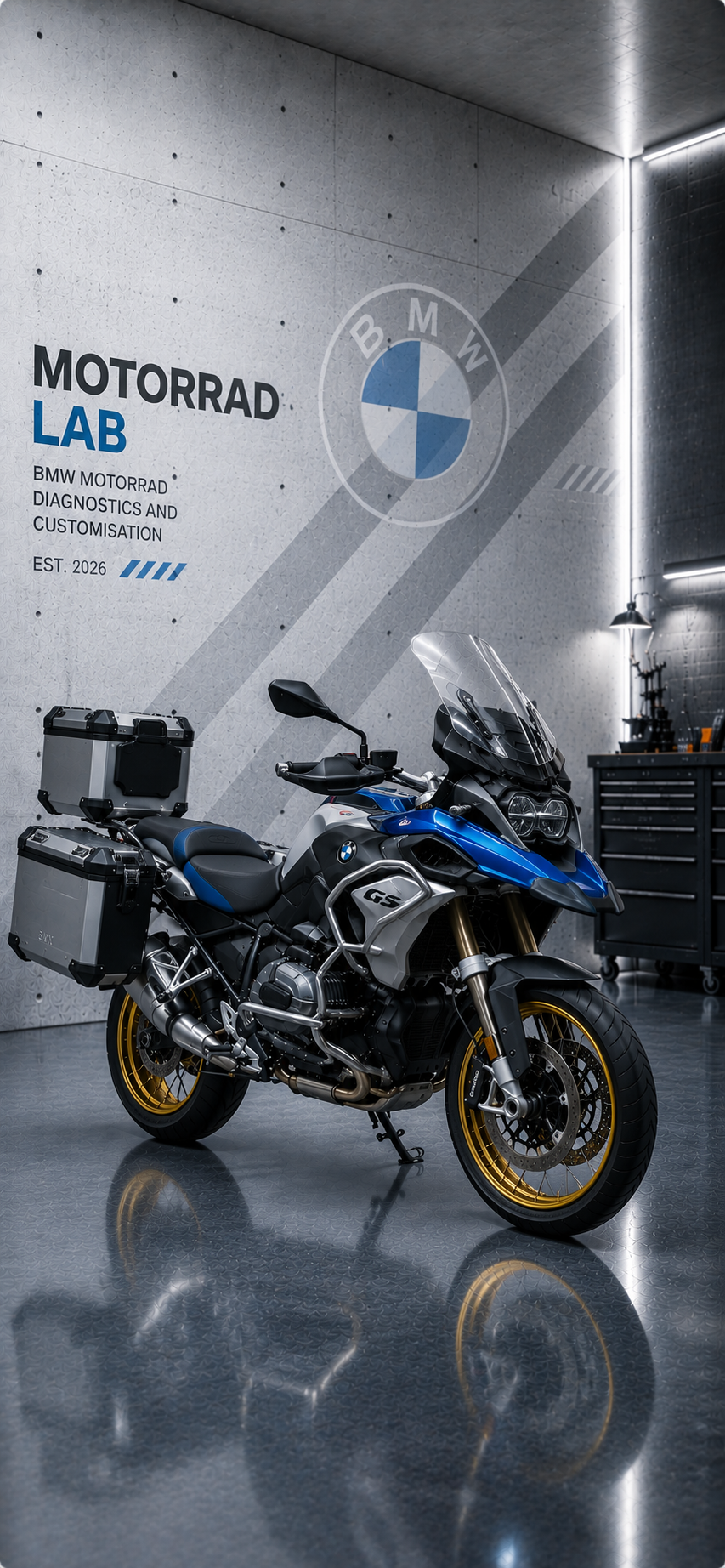
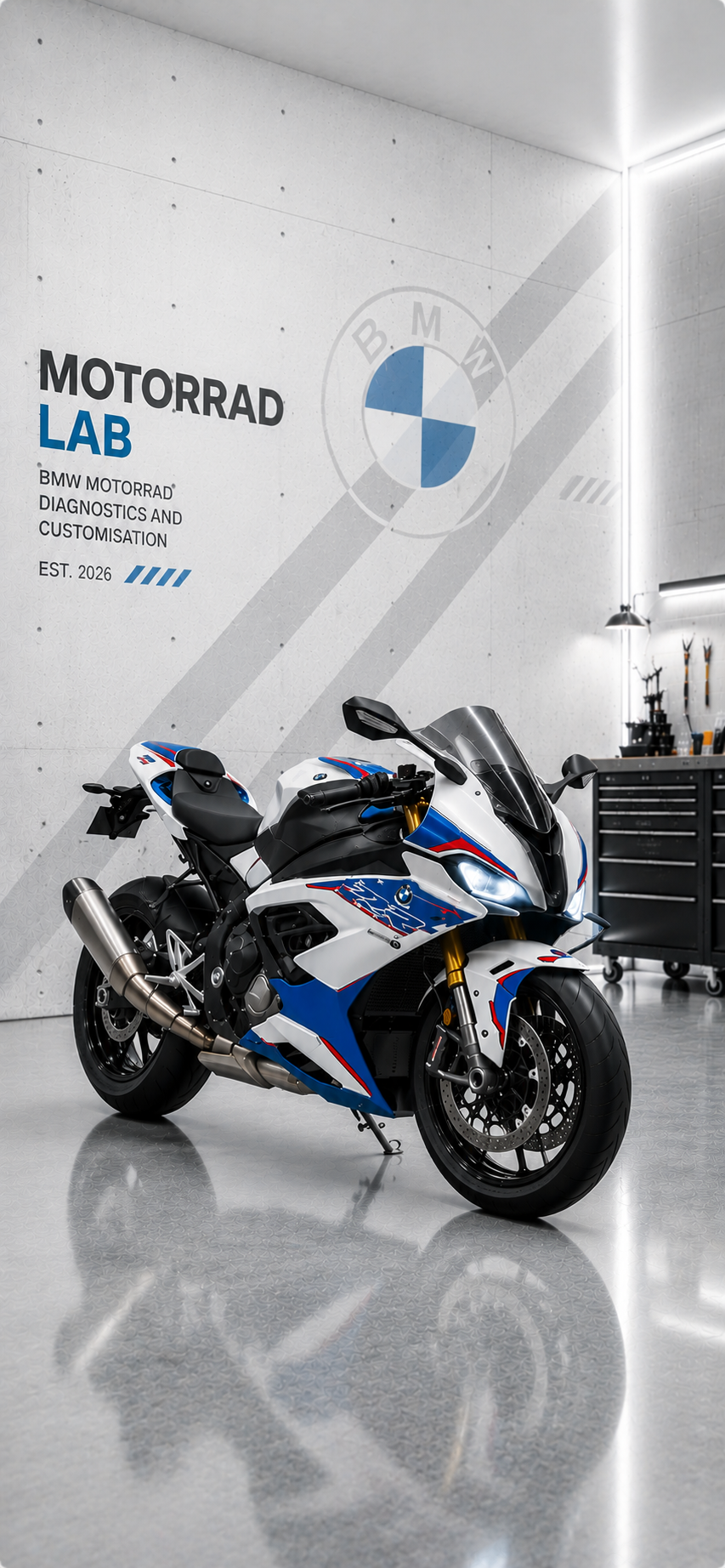
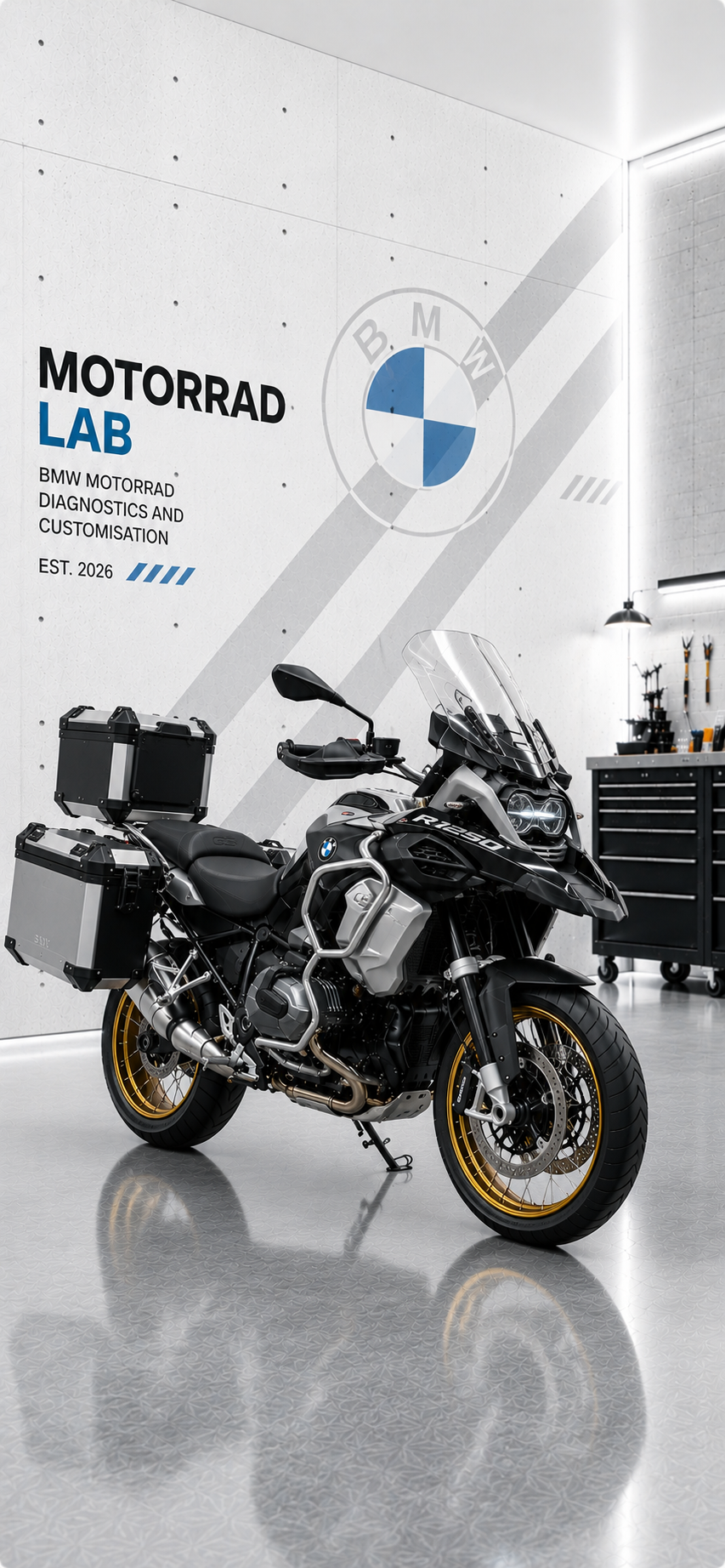
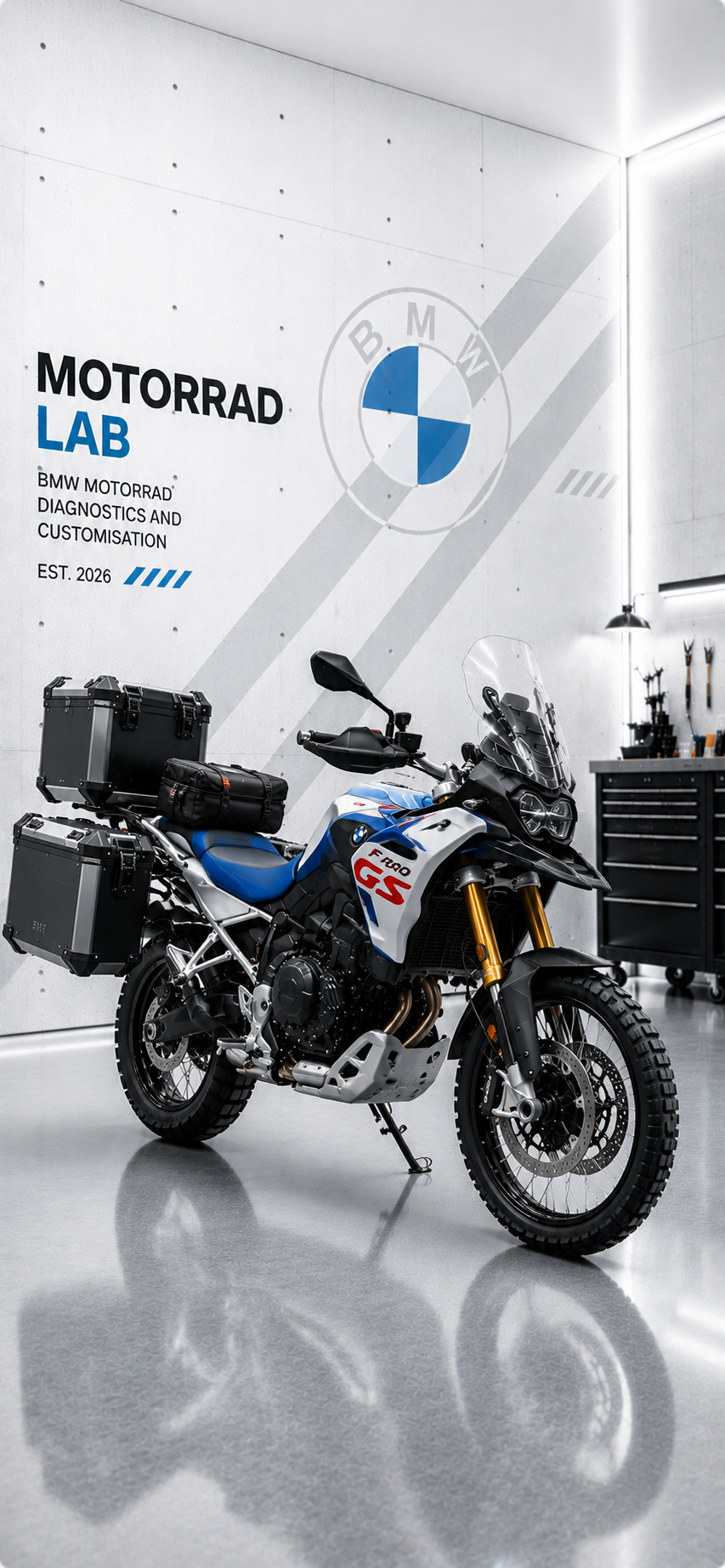
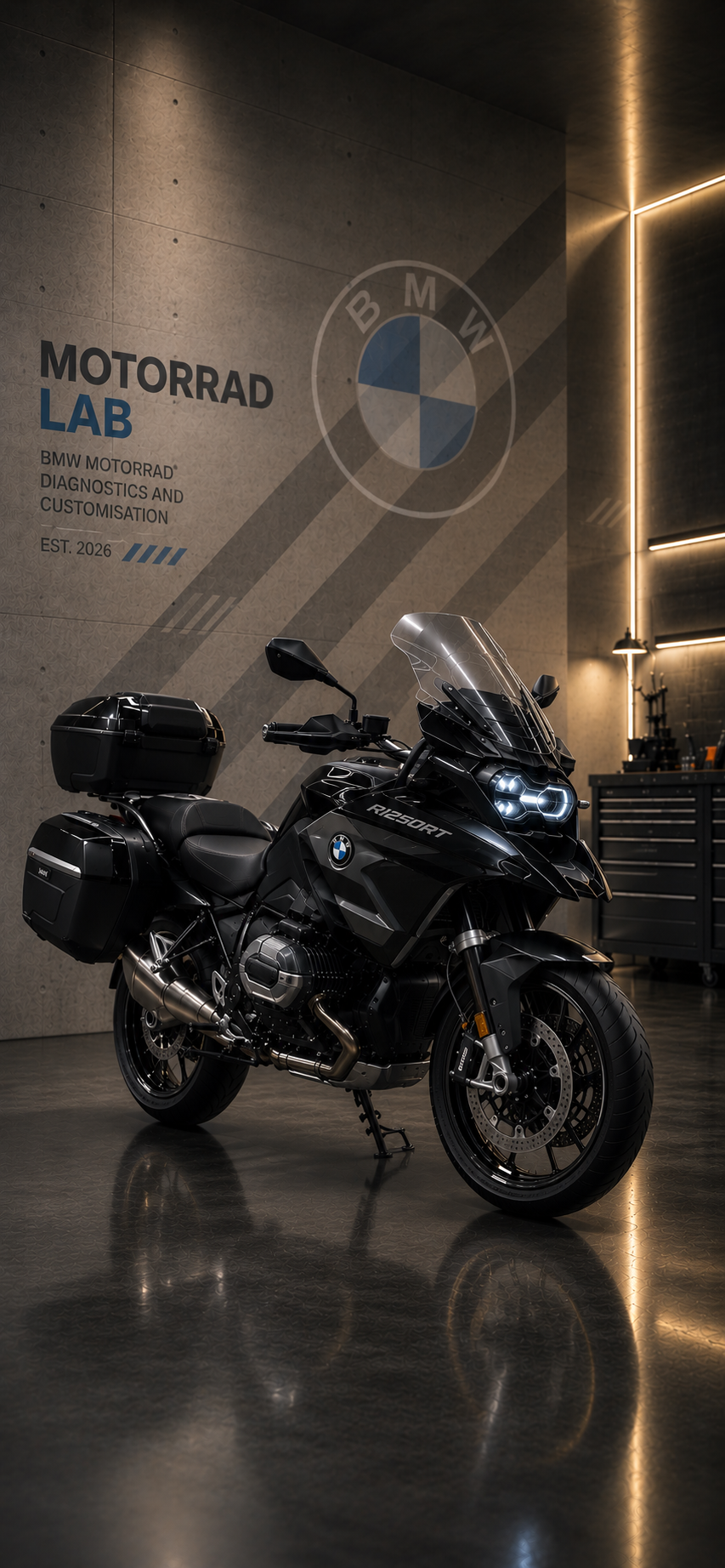
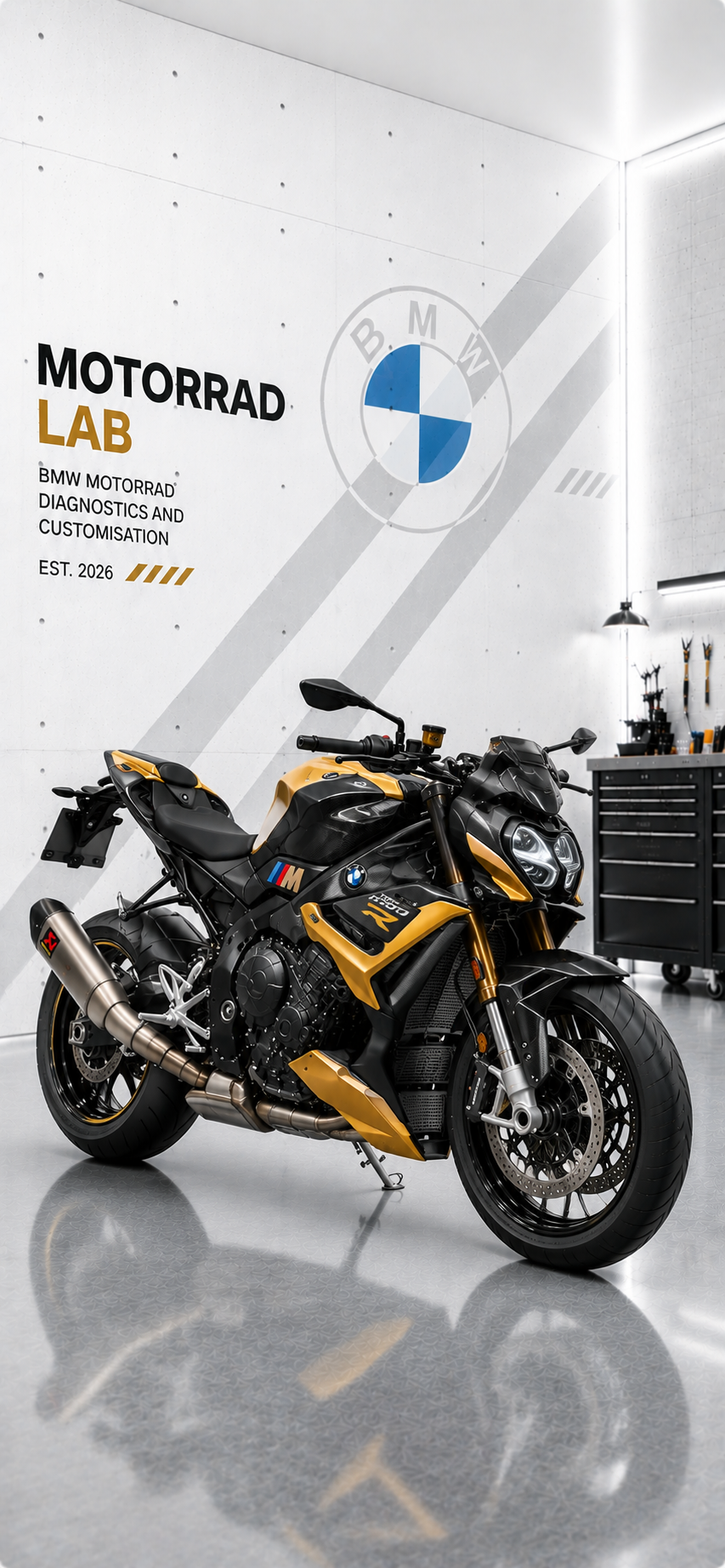
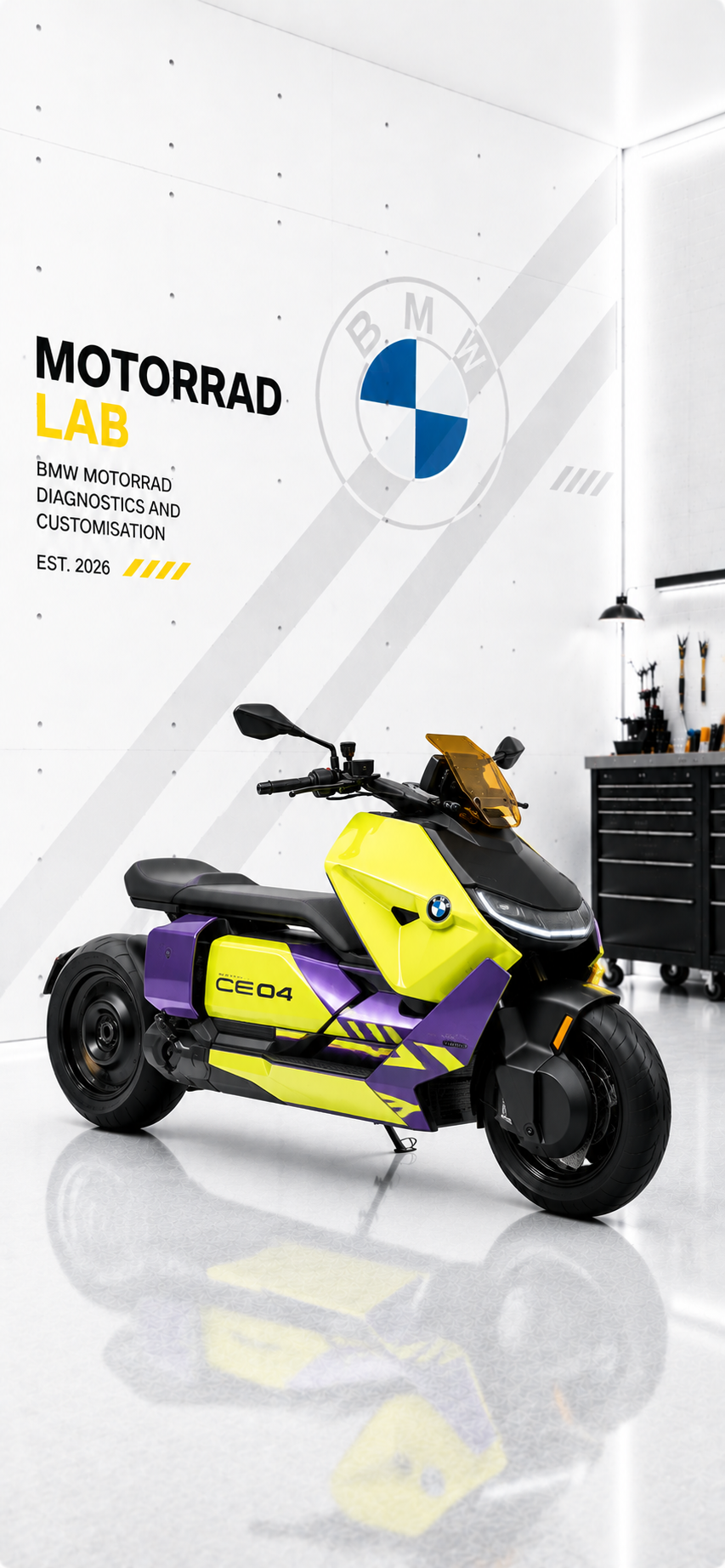
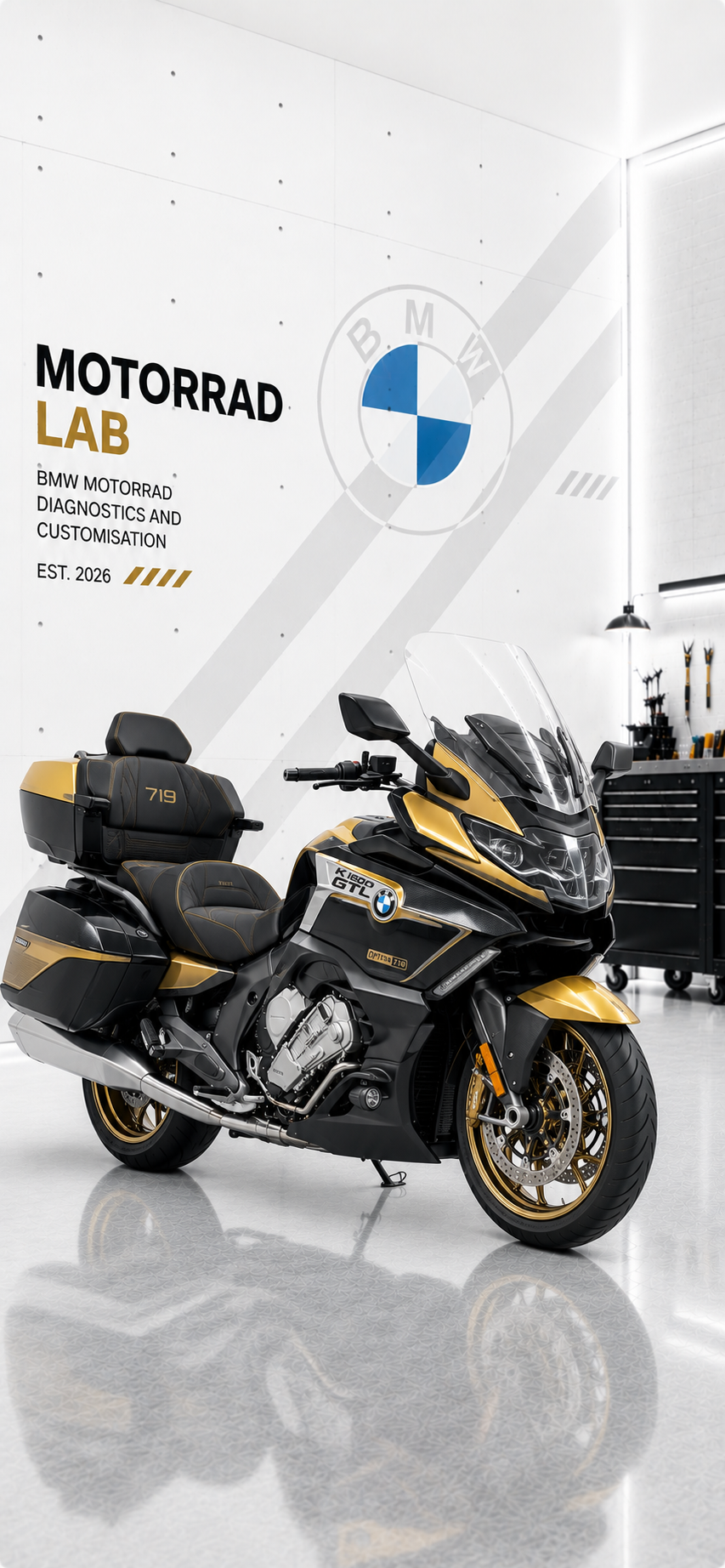
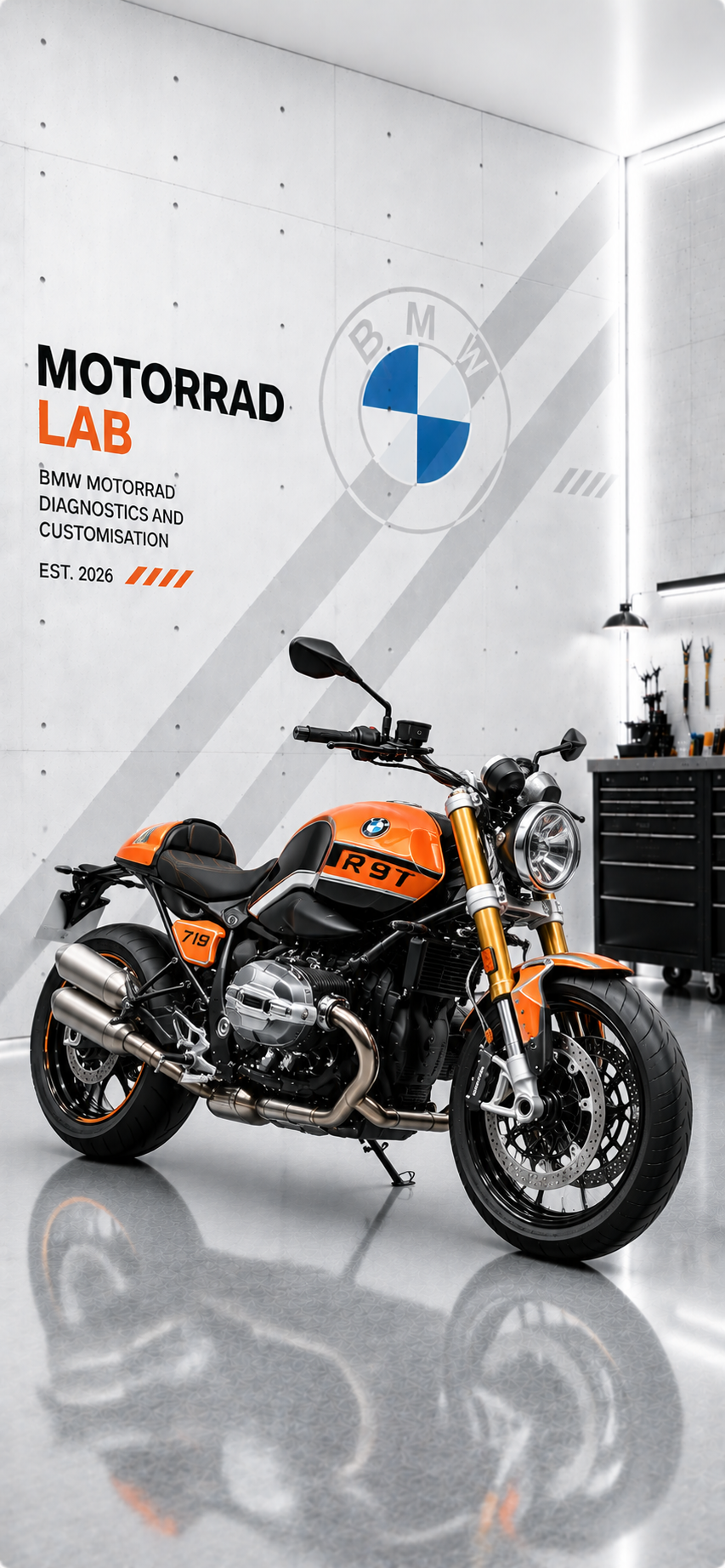
Fifteen original 853 × 1844 PNG wallpapers, supplied at full resolution without recompression.
VIEW FULL SIZE ↗
SPATIAL WALLPAPERFREE
 VIEW FULL SIZE ↗
SPATIAL WALLPAPERFREE
 VIEW FULL SIZE ↗
SPATIAL WALLPAPERFREE
 VIEW FULL SIZE ↗
SPATIAL WALLPAPERFREE
 VIEW FULL SIZE ↗
SPATIAL WALLPAPERFREE
 VIEW FULL SIZE ↗
SPATIAL WALLPAPERFREE
 VIEW FULL SIZE ↗
SPATIAL WALLPAPERFREE
 VIEW FULL SIZE ↗
SPATIAL WALLPAPERFREE
 VIEW FULL SIZE ↗
SPATIAL WALLPAPERFREE
 VIEW FULL SIZE ↗
SPATIAL WALLPAPERFREE
 VIEW FULL SIZE ↗
SPATIAL WALLPAPERFREE
 VIEW FULL SIZE ↗
SPATIAL WALLPAPERFREE
 VIEW FULL SIZE ↗
SPATIAL WALLPAPERFREE
 VIEW FULL SIZE ↗
SPATIAL WALLPAPERFREE
 VIEW FULL SIZE ↗
SPATIAL WALLPAPERFREE
IPHONE 12 OR LATER / iOS 26
Spatial Scene eligibility is decided by iOS and can vary by image, device and crop. The 3D effect appears on the Lock Screen only.